Add an RSS feed
Add an RSS feed so your bot knows about your latest blog posts, news or release notes. For each item in the feed, Chat Thing reads the item's title and description and, by default, the full page it links to.
Who can do this: team owners and admins.
Steps
- Open your bot, go to the Data sources tab and click New data source.
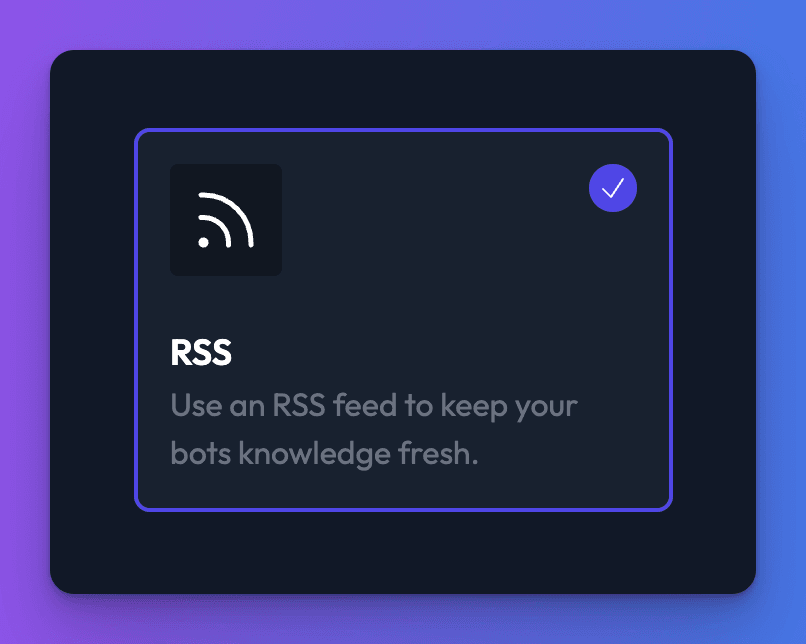
- Choose RSS and click Create data source.
- On the Content tab, click one of these buttons (on a small screen, they're under Add):
- A single URL: enter one Feed URL.
- Add bulk URLs: paste several feed addresses, one per line.
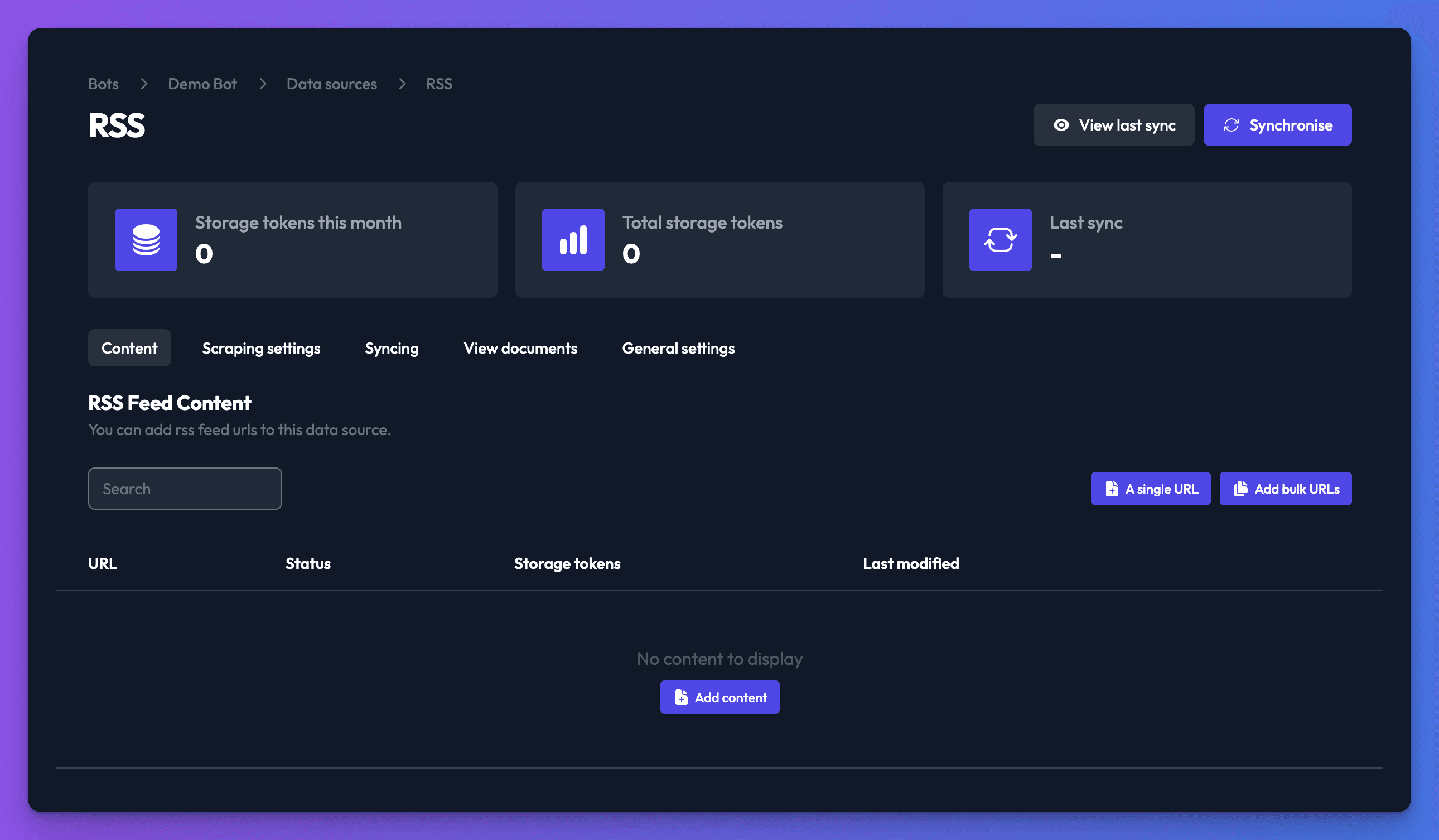
- Click Add.
- Optional: open the Scraping settings tab to control how linked pages are read (see below).
- Click Synchronise.
Control how linked pages are read
On the Scraping settings tab:
- Ignore any content from links in your feed.: turn this on to use only the text inside the feed itself, without visiting each linked page.
- CSS selector and CSS excludes: choose which part of each linked page is read, the same way as for a website.
- Basic auth: a username and password for linked pages protected by HTTP Basic Auth.
Click Save, then sync again.
What happens when the feed changes
Each sync reads the feed again. New items are added, and items that are no longer in the feed are removed from your bot. Most feeds only list recent items, so your bot only knows about the items currently in the feed. To keep older posts, add them with a website data source as well.
Turn on automatic syncing so new posts reach your bot without you having to sync by hand.
Check it works
- After the sync, the feed's items are listed with a storage token count.
- Ask your bot about a recent post.
Related
- Add, sync and delete data sources
Add a data source to your bot, sync it, re-sync after changes and delete it, plus how many data sources each plan allows and per-type limits.
- Keep your bot's knowledge up to date
Re-sync data sources by hand, on a daily, weekly or monthly schedule, or automatically when you publish in your CMS, and see what each sync changes.
- Add your website
Add pages from your website to your bot by URL, sitemap or crawl, choose which part of each page is read, and access password-protected sites.
Last updated