Connect your bot to Telegram
Run your bot as a Telegram bot that anyone can message.
Standard, Pro and Enterprise
The Telegram channel is included on the Standard, Pro and Enterprise plans.
Who can do this: team owners and admins.
Create a bot with BotFather
Telegram bots are created with BotFather, Telegram's own bot for managing bots.
Video walkthrough, recorded in 2024. Some screens have changed since.
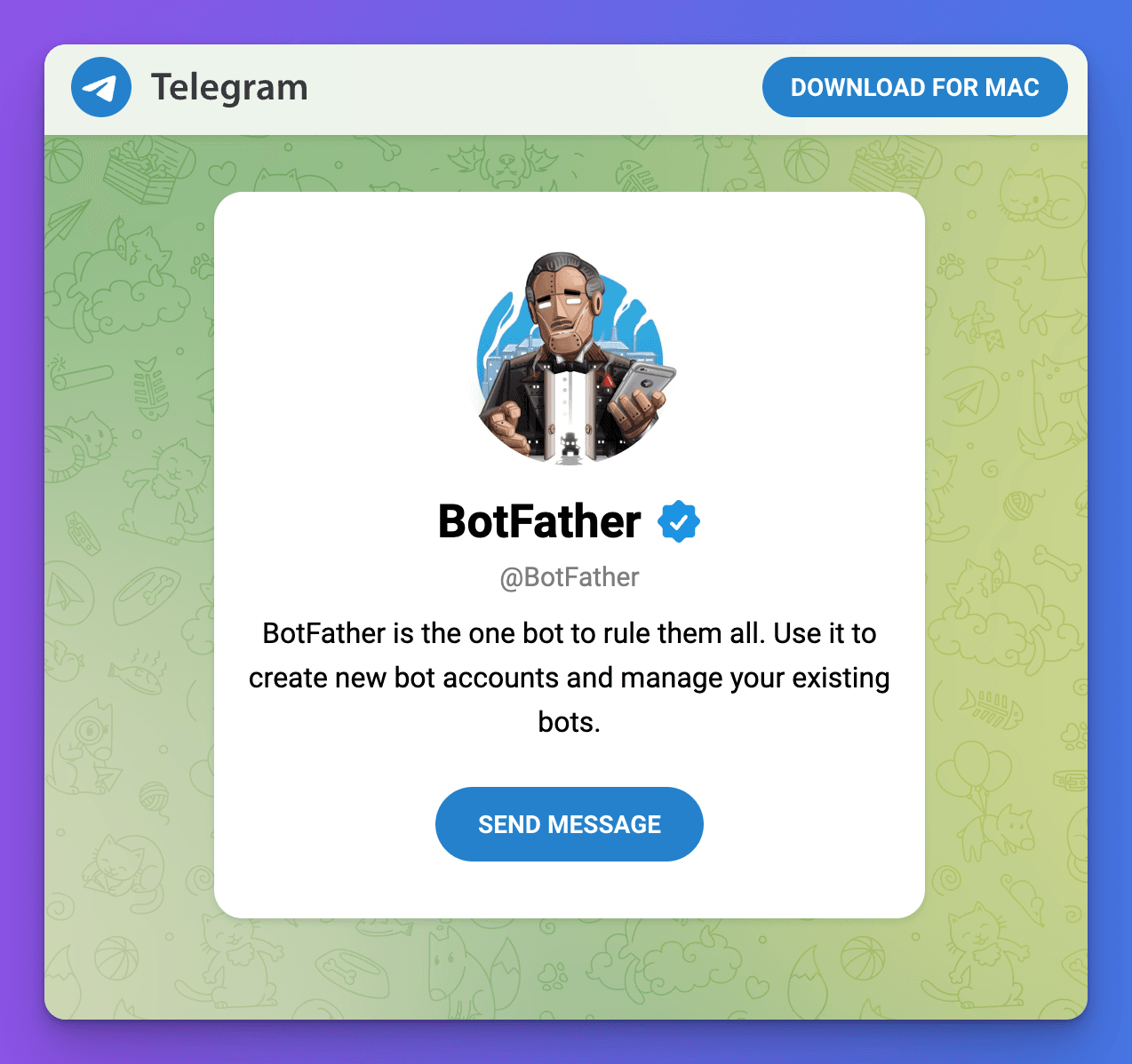
- Open t.me/BotFather and start a chat with it in Telegram.
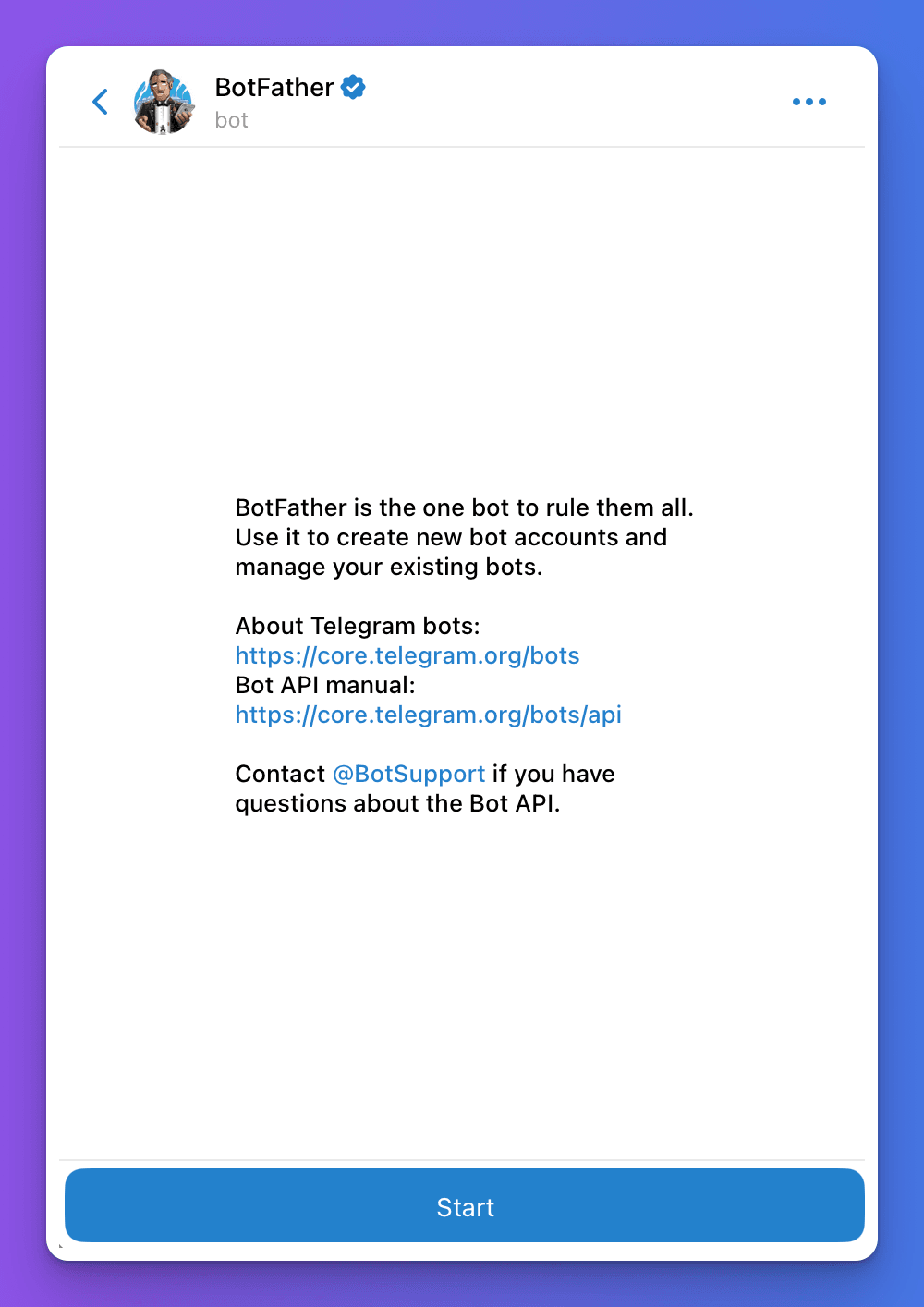
- Send
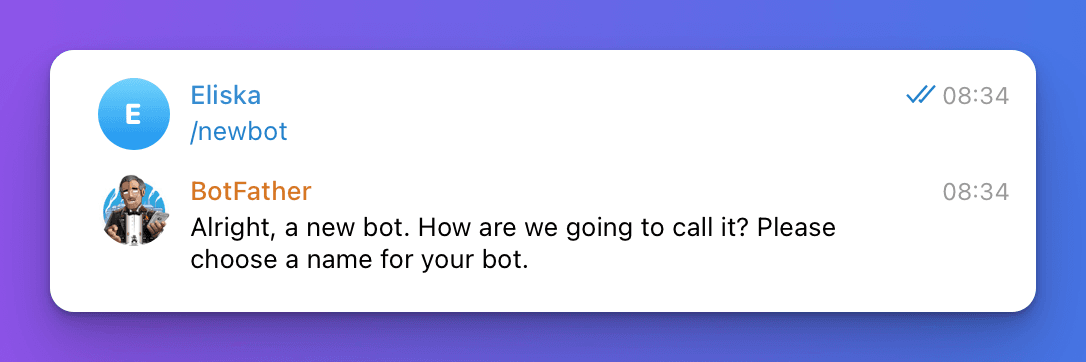
/newbot.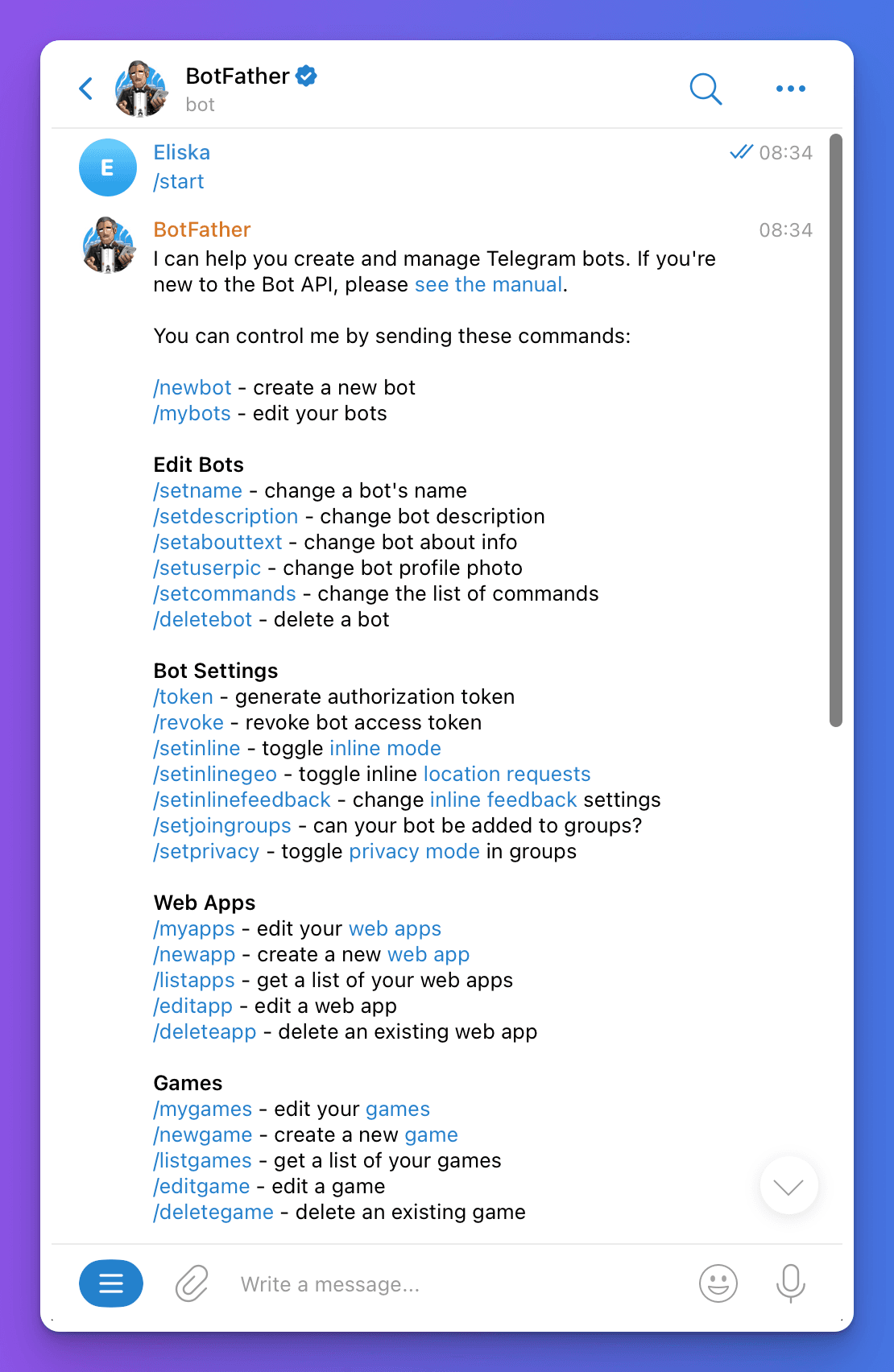
- Send a display name for your bot.
- Send a username for your bot. It must be unique and end in
bot, for exampleacme_help_bot. - BotFather replies with a token. Copy it.
You can use BotFather's other commands later to set your bot's description and profile picture.
Connect it to Chat Thing
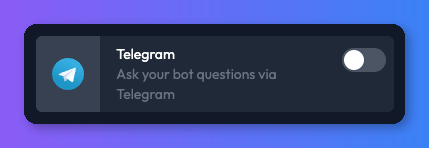
- In Chat Thing, open your bot, select the Channels tab and turn on the Telegram card. The Telegram channel settings page opens.
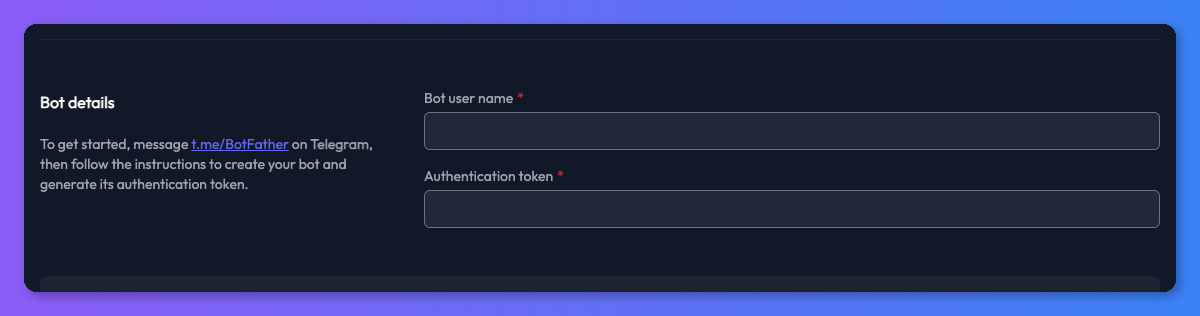
- Under Bot details, enter the username in Bot user name and paste the token into Authentication token.
- Click Save.
Check it works
Once you've saved, the settings page shows a link to your bot in the format t.me/your_bot_username. Open it, start a chat and ask a question your bot should answer. The conversation also appears in Conversations.
Troubleshooting
The bot doesn't reply
Check the Authentication token is the latest one from BotFather (asking BotFather for a new token makes the old one stop working) and that the Bot user name matches the username you created. Save again after any change.
The bot replies "This bot is currently unavailable"
The Telegram channel is turned off. Turn the Telegram card back on in the Channels tab.
Related
- Channels
Where your bot talks to people - your website, WhatsApp, Slack, Discord, Telegram, email and the API - and which plans include each channel.
Last updated