Upgrade from Slack V1 (legacy)
The original Slack integration (V1), which answered a slash command such as /chatthing, is deprecated. New Slack channels always use the current integration. If your bot still uses V1, upgrade it to get @mentions, direct messages, the assistant sidebar and the Slack power-ups.
Who can do this: team owners and admins.
Check which version your bot uses
Open your bot, select the Channels tab and click the settings (cog) icon on the Slack card. If a Slack Channel Settings window opens with the message "This channel is using our v1 old Slack integration", your bot uses V1. If the full Slack channel settings page opens instead, you're already on the current integration.
Upgrade to the current integration
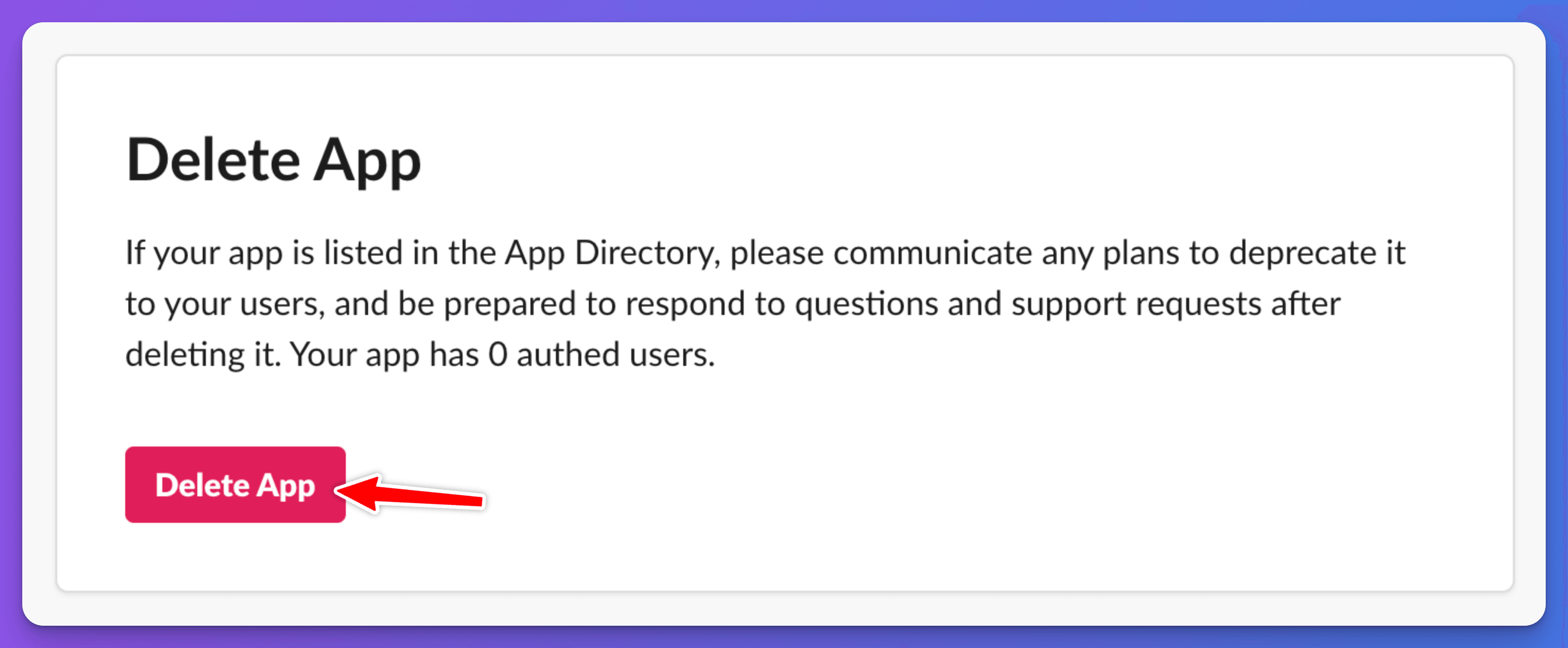
- Remove the old V1 app from your Slack workspace: go to your Slack apps, open the old app and choose Delete App.
- In Chat Thing, open the Slack channel settings and click Upgrade to V2 Slack Integration.
- Set up the new Slack app by following Add your bot to Slack.
After upgrading, people talk to the bot by mentioning it (for example @botname) or messaging it directly, instead of using the slash command.
Check it works
Send the bot a direct message in Slack. It should reply without a slash command.
Related
- Add your bot to Slack
Create a Slack app for your bot so your team can ask it questions with @mentions, direct messages or the Slack assistant sidebar.
Last updated