---
title: "Zapier for AI Agents: Connect 8,000+ Apps | Chat Thing"
canonical_url: "https://chatthing.ai/blog/zapier"
last_updated: "2026-09-25T01:28:53.481Z"
meta:
description: "Connect your Chat Thing agent to 8,000+ apps with the Zapier power-up. Book meetings, update CRMs, post to Slack, all from one conversation."
"og:description": "Connect your Chat Thing agent to 8,000+ apps with the Zapier power-up. Book meetings, update CRMs, post to Slack, all from one conversation."
"og:title": "Connect Your AI Agent to 8,000+ Apps with Zapier - Blog - Chat Thing"
"twitter:description": "Connect your Chat Thing agent to 8,000+ apps with the Zapier power-up. Book meetings, update CRMs, post to Slack, all from one conversation."
"twitter:title": "Connect Your AI Agent to 8,000+ Apps with Zapier - Blog - Chat Thing"
---
[← Back to blog](https://chatthing.ai/blog)**Blog**# **Connect Your AI Agent to 8,000+ Apps with Zapier**

Gem
26 Jun 2026
~ 4 min read
---
---
### **On this page**
1. [What the Zapier power-up does](#what-the-zapier-power-up-does)
2. [What you can build: 5 starter ideas](#what-you-can-build-5-starter-ideas)
3. [One message. Three automations. Zero clicks.](#one-message-three-automations-zero-clicks)
4. [Setup in 4 steps](#setup-in-4-steps)
5. [Pair it with your other power-ups](#pair-it-with-your-other-power-ups)
6. [FAQ](#faq)
7. [Ready to automate the boring parts?](#ready-to-automate-the-boring-parts)
# Connect Your AI Agent to 8,000+ Apps with Zapier
Most chatbots answer questions. Yours can book the meeting, update the CRM, post the Slack message, and send the follow-up, all in one conversation.
That's what the Zapier power-up unlocks. Your Chat Thing agent stops being a question-and-answer widget and starts doing the work your team would normally click through a dozen tabs to finish.
> ⭐ **Available on paid plans.** The Zapier power-up is part of Chat Thing's paid tiers. Free plan users will need to upgrade to connect it.
## What the Zapier power-up does
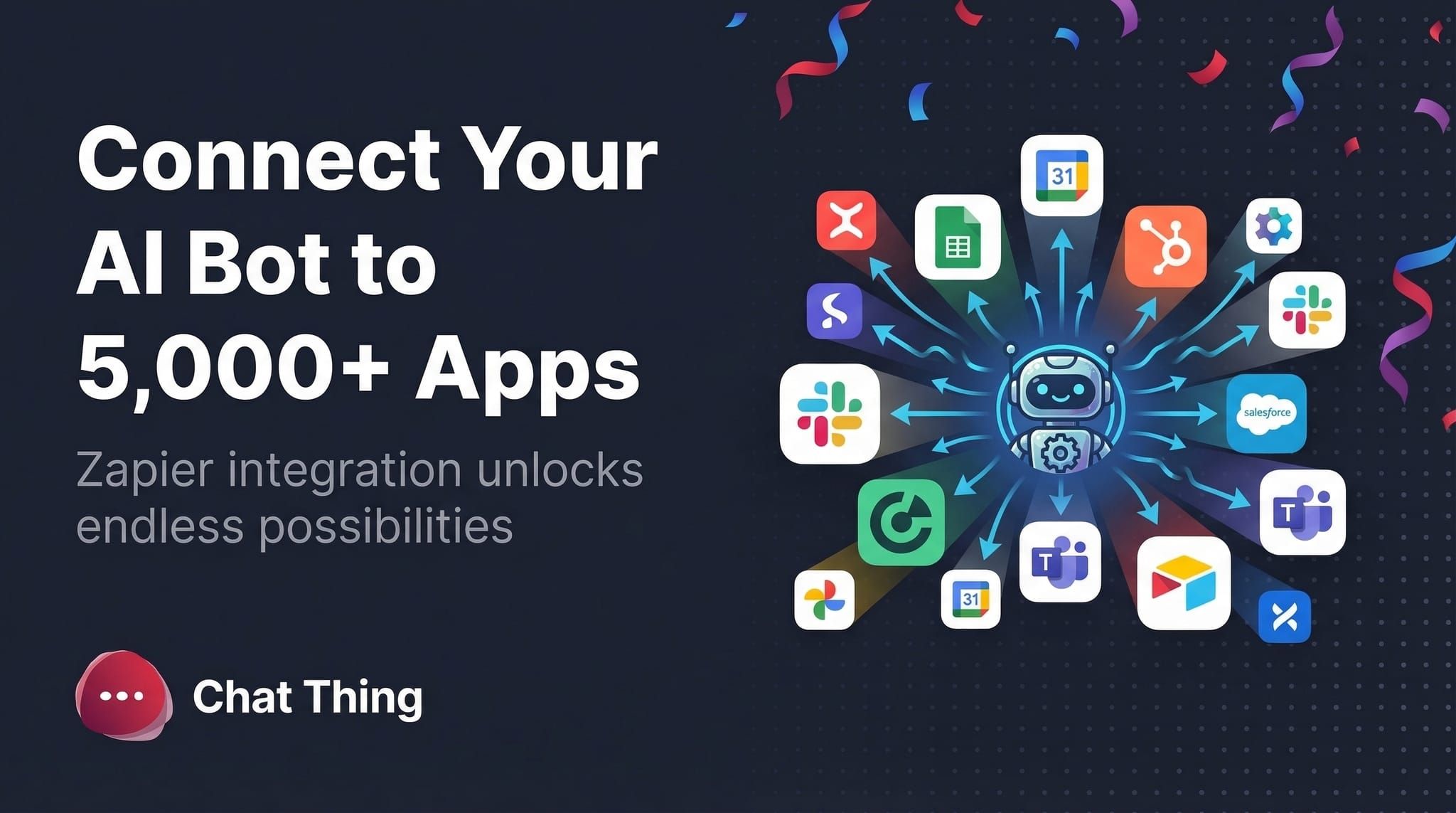
The Zapier power-up plugs your agent into Zapier, which connects to over 8,000 apps, including Google Calendar, Slack, Notion, HubSpot, Stripe, Mailchimp, Airtable, and thousands more.
When a visitor asks your agent to do something, the agent picks the right Zapier action, fills in the details, and fires it. No code. No separate workflow builder. Your agent is the trigger.
## What you can build: 5 starter ideas
| Agent type | Someone says... | Your agent does... |
| --- | --- | --- |
| **Meeting scheduler** | "Book a call with Sarah next Tuesday at 2pm" | Creates a Google Calendar event and emails the invite |
| **Lead capture** | "I'd like a demo, here's my email" | Adds the lead to your CRM or Google Sheet |
| **Internal ops** | "Post the release notes to #product-updates" | Sends a formatted Slack message to the channel |
| **Support triage** | "Find the invoice for john@example.com" | Searches Stripe and returns the link |
| **Content publishing** | "Add this topic to the content backlog" | Creates a new row in an Airtable or Notion database |
Those are starting points, not a ceiling. If Zapier connects to an app, your agent can probably do something useful with it.
## One message. Three automations. Zero clicks.
Here's what makes this different from traditional automation.
Traditional automation is trigger-based: "when X happens, do Y." Rigid. Pre-defined. You spend the weekend wiring Zaps and hoping you covered every path.
With the Zapier power-up, your agent decides which actions to fire based on what the visitor actually says. So a single sentence can trigger several actions in the right order.
Visitor: _"Schedule a follow-up with this customer in 3 days, add them to our VIP list, and ping me on Slack when it's done."_
Your agent:
1. Creates a Google Calendar event for 3 days from today.
2. Adds the customer to the VIP tag in HubSpot.
3. Posts a confirmation to your #sales channel.
One sentence in. Three actions out. The agent picked the right tools and the right order because it understood the intent, not just the trigger.
## Setup in 4 steps
1. In your Chat Thing dashboard, open your agent and go to the **Power-ups** tab.
2. Add the **Zapier** power-up.
3. Follow the in-app flow to connect your Zapier account and pick the actions you want your agent to use (Calendar, Slack, CRM, etc.).
4. Give each action a short, specific description so the agent knows when to fire it. Save.
Once it's connected, chat to your agent like normal. If a request matches one of your enabled actions, the agent will use it.
## Pair it with your other power-ups
The Zapier power-up gets more interesting when you chain it with the rest of your agent's toolkit.
- **Web browsing + Zapier:** "Search for the latest AI news and post the top three links to #research."
- **Notion + Zapier:** "Pull the Q2 roadmap from Notion and send a summary to the exec Slack channel."
- **Human handoff + Zapier:** agent captures the lead, adds them to the CRM, then escalates the live conversation to a human.
One request. Multiple tools. Zero dashboards opened.
## FAQ
**Do I need a paid Zapier account?** You'll need a Zapier account. Zapier's free tier covers light usage; higher volume or multi-step flows typically need a paid Zapier plan. Your Zapier usage is billed by Zapier, separate from your Chat Thing subscription.
**How does my agent know when to use a Zapier action?** Each action has a description you write during setup. The agent uses that description, plus the context of the conversation, to decide when to fire it. Keep descriptions specific. "Book a meeting on Sarah's calendar" works better than "do calendar stuff."
**What happens if a Zap fails?** The agent surfaces the error from Zapier and can retry or fall back depending on how you've configured the action. You can also check runs directly in your Zapier history.
**Can I limit which actions the agent can trigger?** Yes. Only the actions you explicitly enable for each agent are callable. Anything you haven't enabled is off-limits.
**Does the agent need approval before firing an action?** You can configure confirmation prompts in the power-up settings for anything high-stakes, so the agent asks the user (or you) before firing.
## Ready to automate the boring parts?
Open your Chat Thing dashboard, head to the **Power-ups** tab on any agent, and add the Zapier integration. Pick three or four actions you'd use every day and let your agent take it from there.
[**Start free and upgrade when you're ready →**](https://chatthing.ai/pricing)
📚 [**Read the full guide in our documentation**](https://chatthing.ai/docs/zapier-power-up)
### **Related articles **
[](https://chatthing.ai/blog/chat-thing-webmcp-website-copilot) [Turn a WebMCP-enabled website into a copilot with Chat Thing
](https://chatthing.ai/blog/chat-thing-webmcp-website-copilot)
Chat Thing can now discover the tools a WebMCP-enabled page exposes and let an embedded agent use them. Add the widget, switch on WebMCP, and the page has a conversational copilot.
[](https://chatthing.ai/blog/supportbench) [SupportBench: we tested 7 AI models as customer support agents
](https://chatthing.ai/blog/supportbench)
We tested seven AI models on 1,085 support conversations. Gemini 3.7 Flash led the main score, while Grok 4.6 wrote the preferred reply most often.
[](https://chatthing.ai/blog/blog-coworking-space-agent) [Our co-working space down the road just got an AI agent. Here's what happened.
](https://chatthing.ai/blog/blog-coworking-space-agent)
C-Space is a coastal coworking space in Newquay with hot desks, private offices and event hire. This case study looks at how their AI agent answers the everyday questions, parking, opening hours, walk-ins, the moment they come in, so the team can stay focused on running the space instead of sitting on the inbox.
- **Previous **
- [← Claude Fable 5, Opus 4.8, and a brand-new model picker](https://chatthing.ai/blog/claude-fable-5-opus-4-8-and-a-new-model-picker)
- **Next **
- [How we turned holiday-let search into an AI concierge, built on Chat Thing →](https://chatthing.ai/blog/rye-and-beyond-ai-search)