---
title: "Custom Domains: Your Bot, Your Brand, Your Domain - Blog - Chat Thing"
canonical_url: "https://chatthing.ai/blog/custom-domains-your-bot-your-brand-your-domain"
last_updated: "2026-09-30T03:07:07.563Z"
meta:
description: "Give your AI bots a fully white-labelled experience. Custom domains let you serve your bot from your own domain like chat.yourcompany.com instead of embed.chatthing.ai."
"og:description": "Give your AI bots a fully white-labelled experience. Custom domains let you serve your bot from your own domain like chat.yourcompany.com instead of embed.chatthing.ai."
"og:title": "Custom Domains: Your Bot, Your Brand, Your Domain - Blog - Chat Thing"
"twitter:description": "Give your AI bots a fully white-labelled experience. Custom domains let you serve your bot from your own domain like chat.yourcompany.com instead of embed.chatthing.ai."
"twitter:title": "Custom Domains: Your Bot, Your Brand, Your Domain - Blog - Chat Thing"
---
[← Back to blog](https://chatthing.ai/blog)**Changelog**# **Custom Domains: Your Bot, Your Brand, Your Domain**

Gem
10 Feb 2026
---
---
### **On this page**
1. [Why Custom Domains?](#why-custom-domains)
2. [How It Works](#how-it-works)
3. [Domain Status Flow](#domain-status-flow)
4. [Availability](#availability)
5. [Get Started](#get-started)
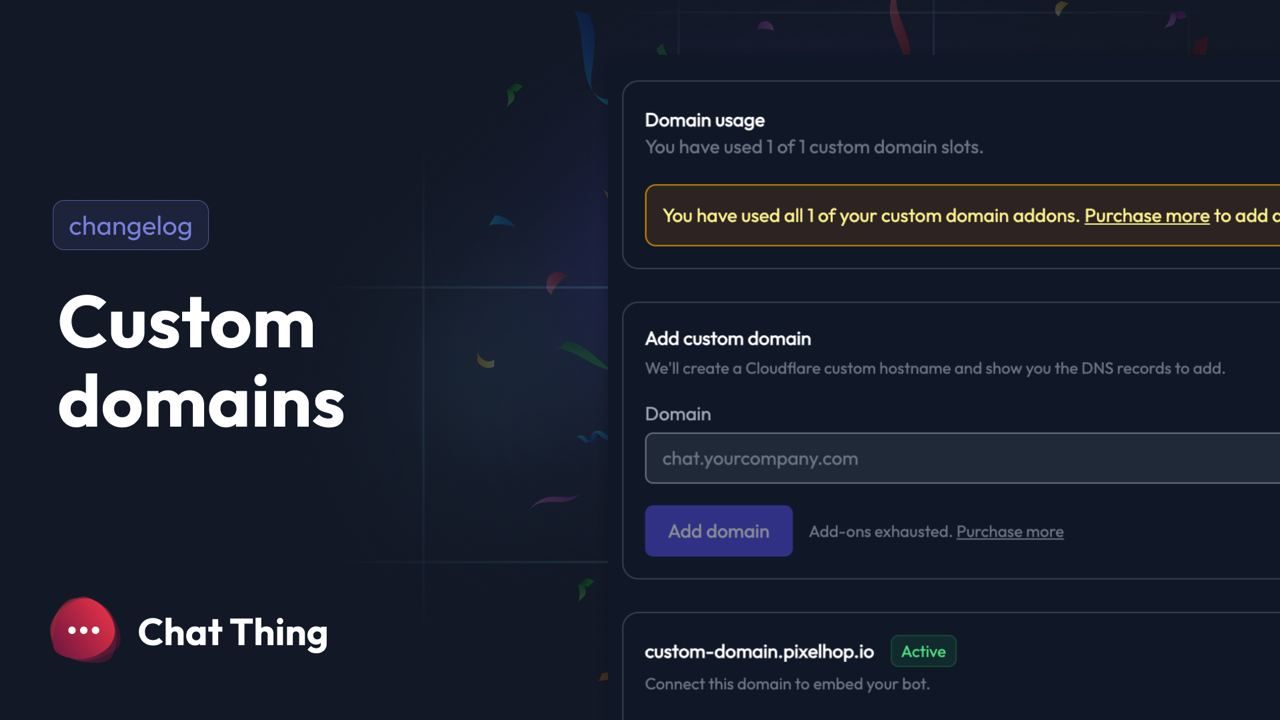
Your bots just got a whole lot more professional. We're excited to announce **Custom Domains** — a feature that lets you serve your Chat Thing bots from your very own domain.
Instead of embedding your bot from `embed.chatthing.ai`, you can now use something like `chat.yourcompany.com` or `support.yourbrand.io`. It's fully white-labelled, SSL-secured, and takes just a few minutes to set up.
## Why Custom Domains?
When you embed a Chat Thing bot on your website, your users see our domain in the embed URL. For most use cases that's fine, but if you're building a product, running an agency, or just want that extra polish — having your own domain makes all the difference.
**Benefits include:**
- **Brand consistency** — Your bot lives on your domain, matching the rest of your site
- **Trust signals** — Users see your domain, not a third party
- **Professional appearance** — Perfect for client-facing bots and enterprise deployments
- **Full SSL coverage** — We handle certificates automatically via Cloudflare
## How It Works
Setting up a custom domain is straightforward:
1. **Add your domain** — Head to your bot's Web channel settings and enter your desired domain (e.g., `chat.yourcompany.com`)
2. **Configure DNS** — We'll generate three DNS records for you to add:
- A TXT record for SSL certificate validation
- A TXT record to verify domain ownership
- A CNAME record pointing to `embed.chatthing.ai`
3. **Verify and go live** — Click verify, wait for DNS propagation, and you're done!
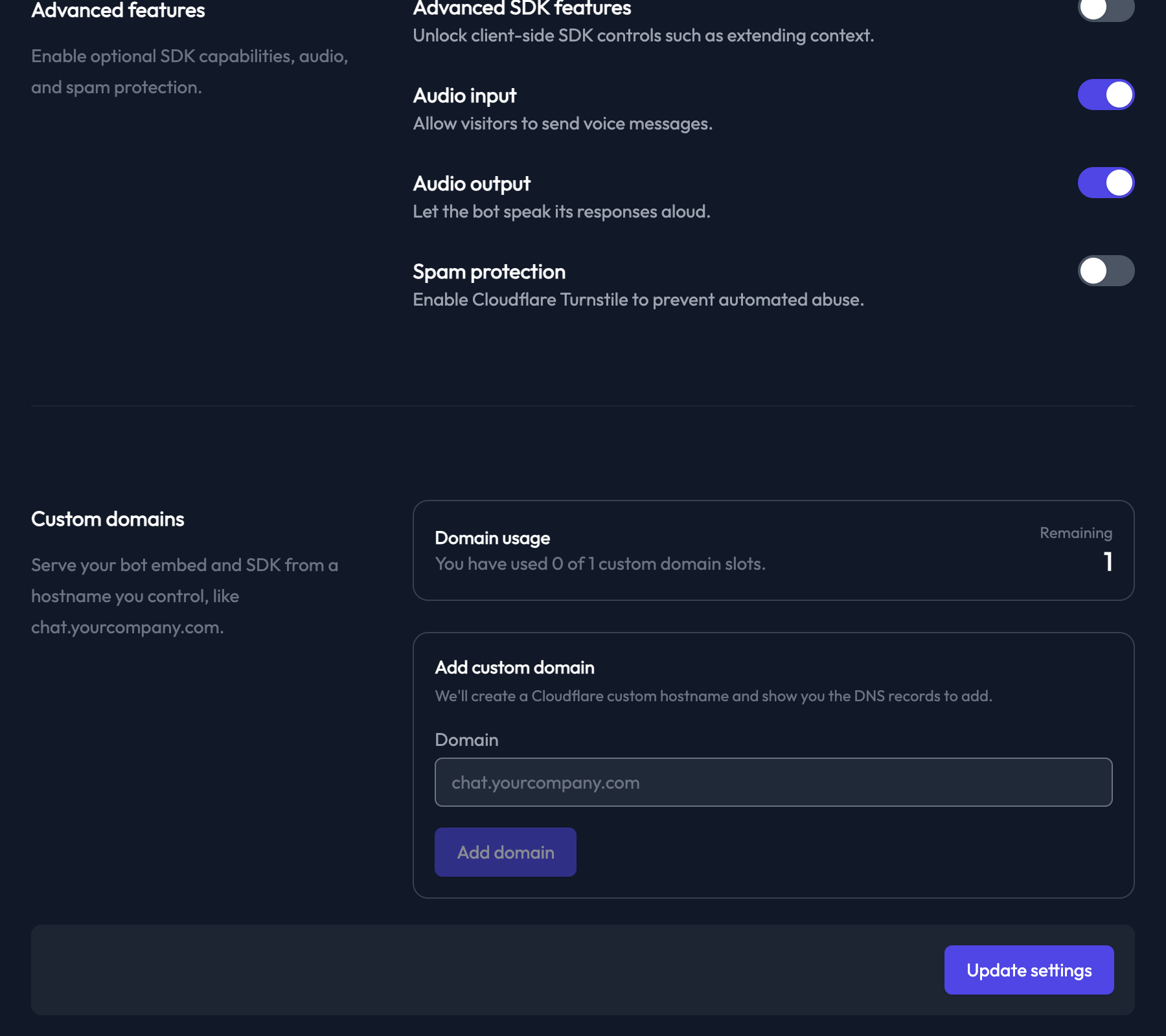
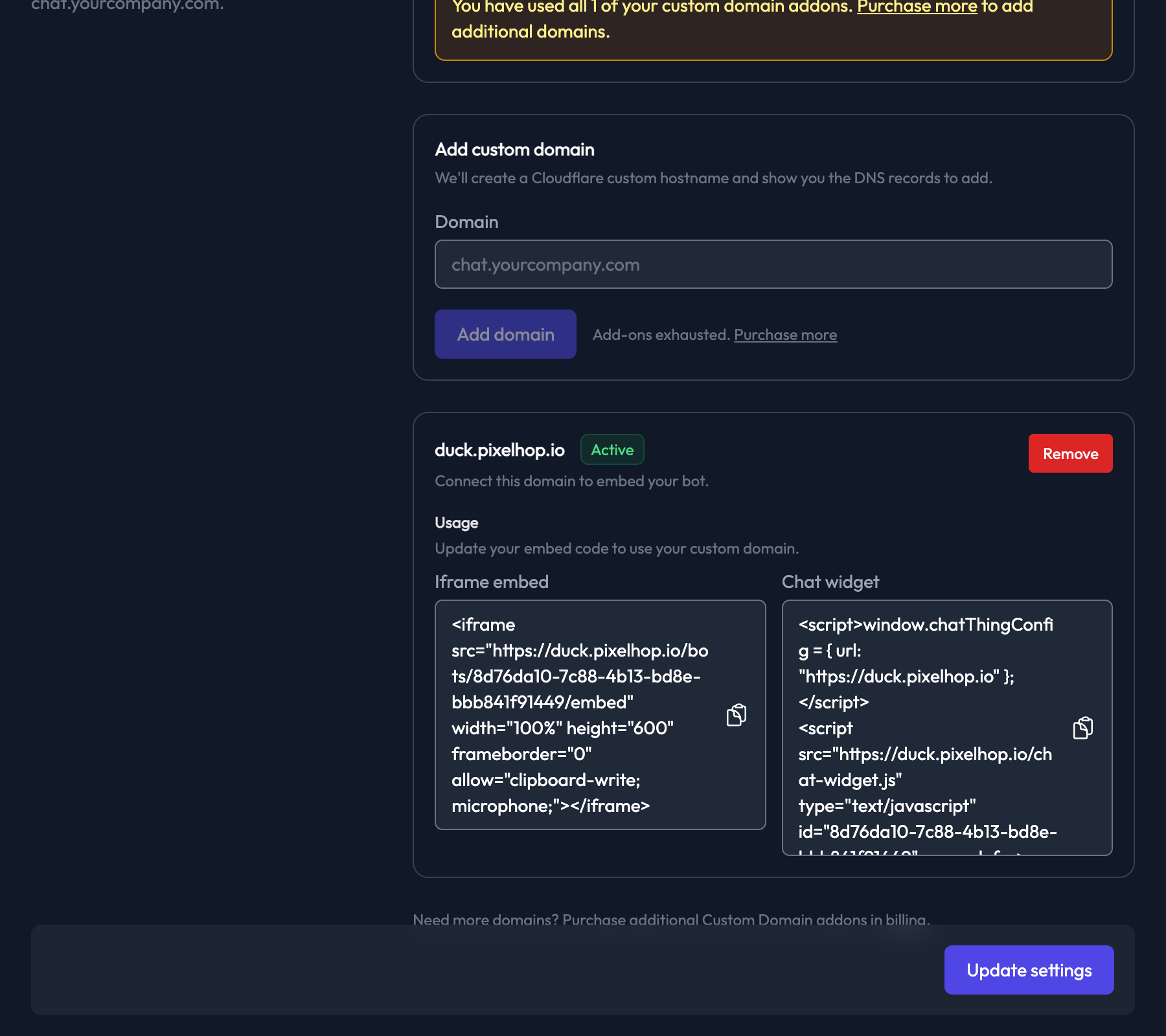
Once active, your embed codes automatically update to use your custom domain. No code changes needed.
## Domain Status Flow
Your domain will progress through these statuses:
- **Pending** — Domain added, awaiting setup
- **DNS Pending** — Records detected, SSL certificate being issued
- **Active** — Fully configured and ready to use ✅
- **Failed** — Check your DNS records and try again
## Availability
Custom Domains is available as a paid addon. Each addon provides one custom domain slot across your team. You can purchase additional slots from your [billing page](https://chatthing.ai/app/billing) if you need multiple domains.
## Get Started
Ready to give your bots a professional home? Check out our [Custom Domains documentation](https://chatthing.ai/docs/custom-domains) for the full setup guide.
### **Related articles **
[](https://chatthing.ai/blog/glm-5-3-flash-supportbench-and-link-controls) [GLM 5.3 Flash lands in Chat Thing, plus SupportBench and link controls
](https://chatthing.ai/blog/glm-5-3-flash-supportbench-and-link-controls)
GLM 5.3 Flash is now available in Chat Thing, alongside SupportBench model testing and control over where links in embedded agents open.
[](https://chatthing.ai/blog/gemini-3-7-flash-and-grok-4-6) [Gemini 3.7 Flash and Grok 4.6 land in Chat Thing
](https://chatthing.ai/blog/gemini-3-7-flash-and-grok-4-6)
Gemini 3.7 Flash and Grok 4.6 are now available in Chat Thing, alongside clearer Power-Up activity and support for more Google Drive file types.
[](https://chatthing.ai/blog/ask-otto-and-seven-new-models) [Otto now lives inside every agent, plus seven new models
](https://chatthing.ai/blog/ask-otto-and-seven-new-models)
Otto now lives inside every agent, so you can change things by describing what you want rather than hunting through settings forms. Plus Claude Opus 5 and six more models, four new embed capabilities, and twelve retired models.
- **Previous **
- [← 🚨 New Feature Alert: My Chats - Your Private Space for Personal Bot Conversations](https://chatthing.ai/blog/my-chats-now-available-on-chat-thing)
- **Next **
- [6 Prompt Tricks That Make Your Agent 10x Better →](https://chatthing.ai/blog/6-prompt-tricks-that-make-your-ai-agent-10x-better)